
 Spotify · Apple Music
Your music, front and center.
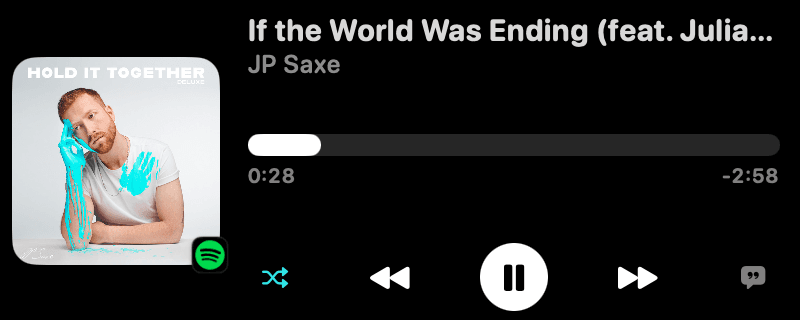
Artwork, a live visualizer and full playback controls without leaving what you're doing.
Notchella turns the black bar at the top of your MacBook into a home for music, your calendar, AI agents, Xcode builds and files. It shows up when something's happening and tucks away when it isn't.
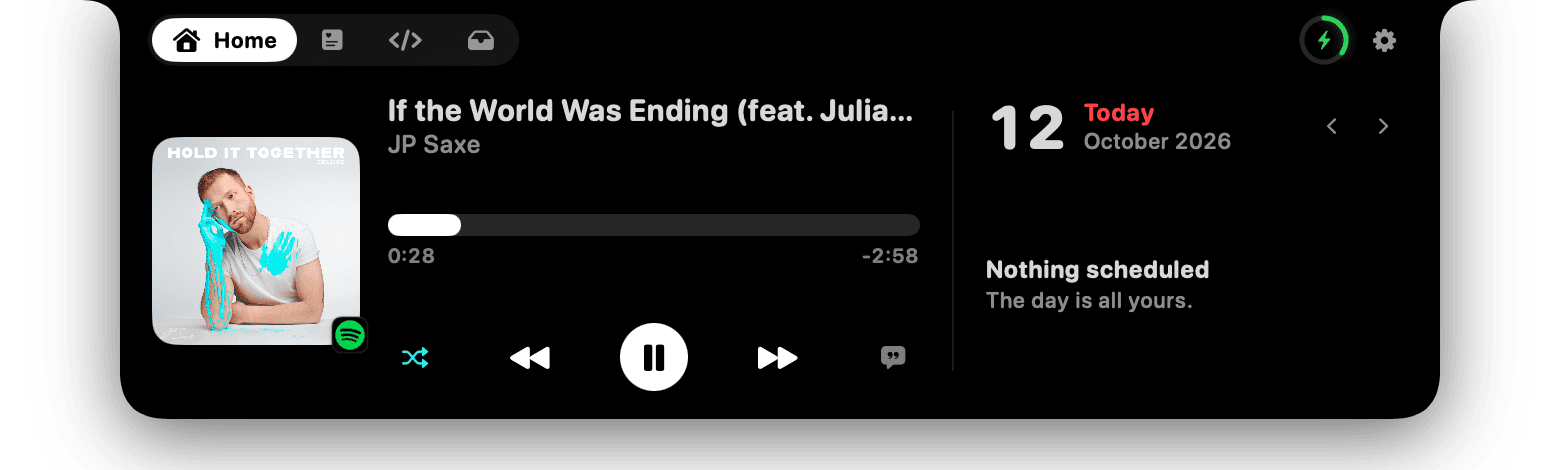
Now playing and today's calendar, side by side.
SpotifyApple Music Claude Code
 Codex
Codex Google Calendar
 macOSXcodeFinderLRCLIB lyrics
Live activities slide out beside the notch when something's happening. Hover to open the full view.
Spotify · Apple MusicArtwork, a live visualizer and full playback controls without leaving what you're doing.
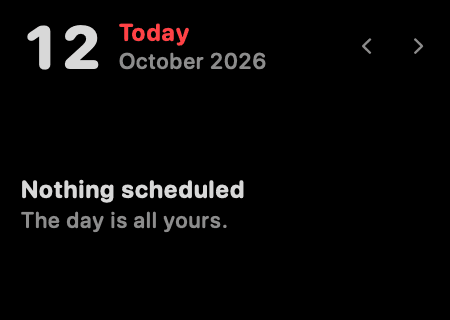
Today's events from every calendar on your Mac.
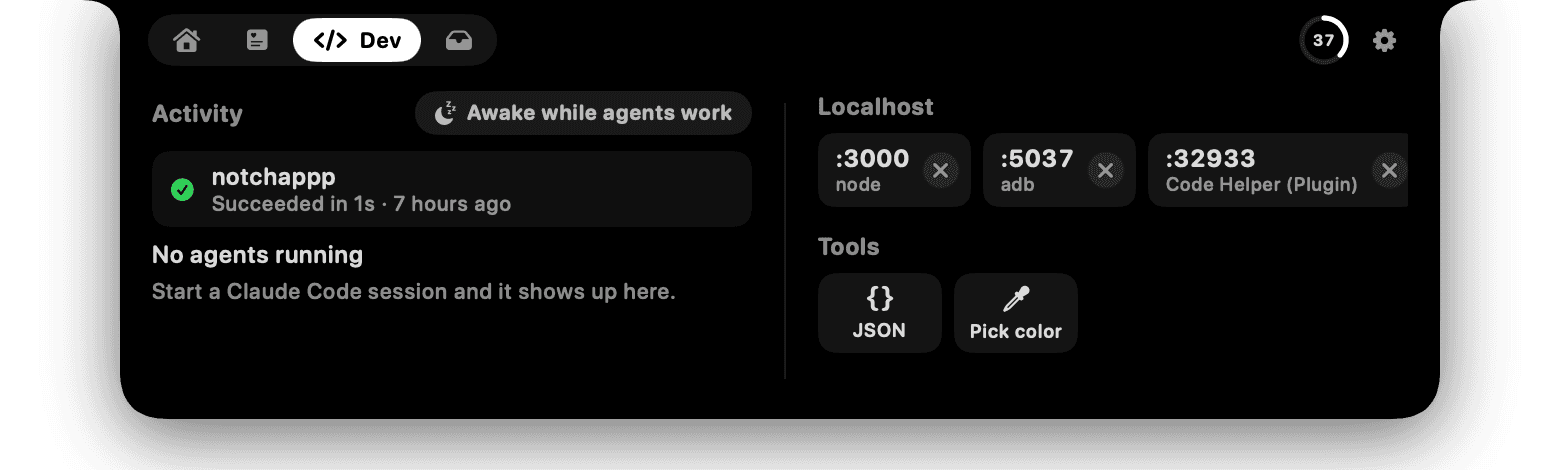
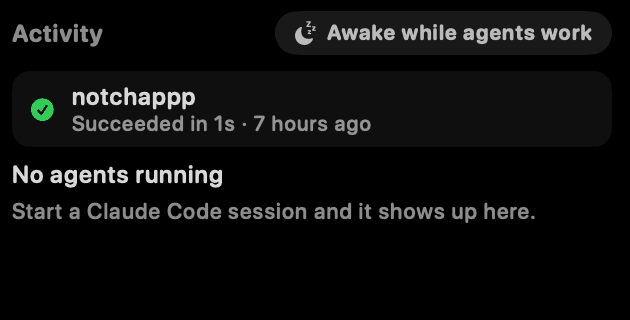
 Claude Code · Codex
Working, waiting for input, or done. Plus keep-awake while they run.
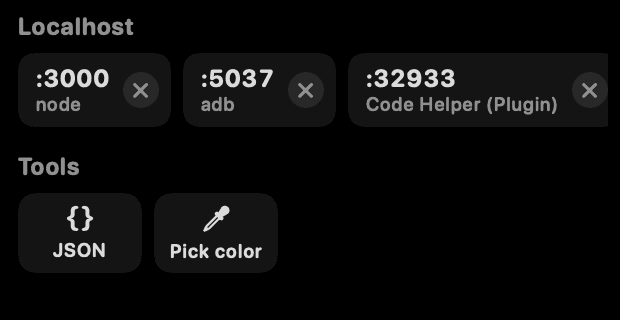
Running localhost servers, Xcode build results, and quick tools for JSON and color picking.
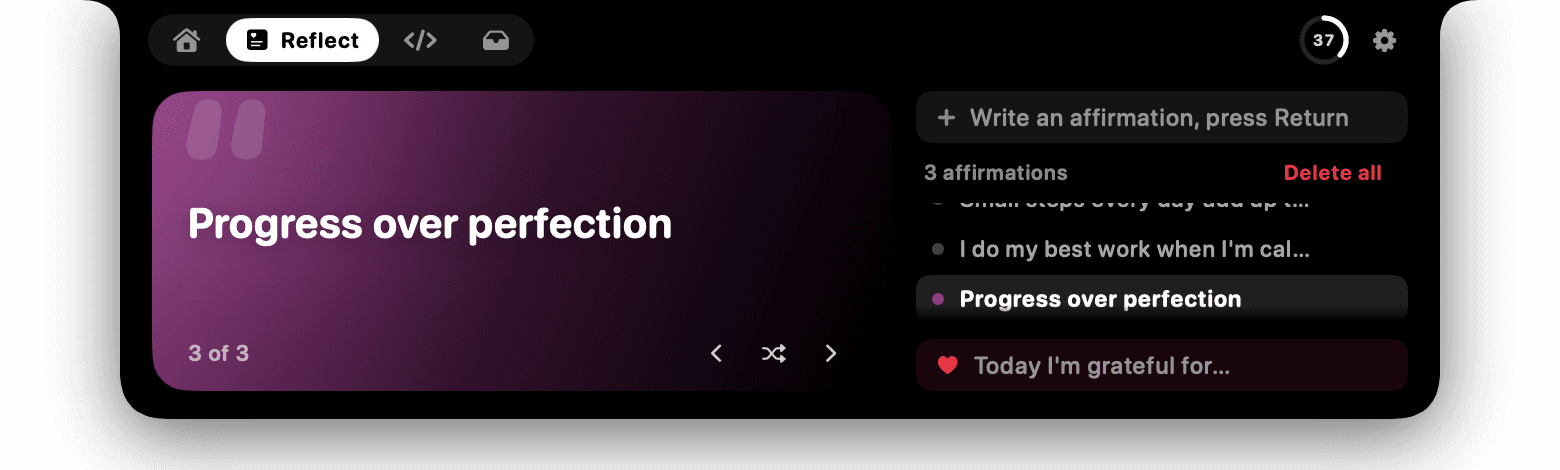
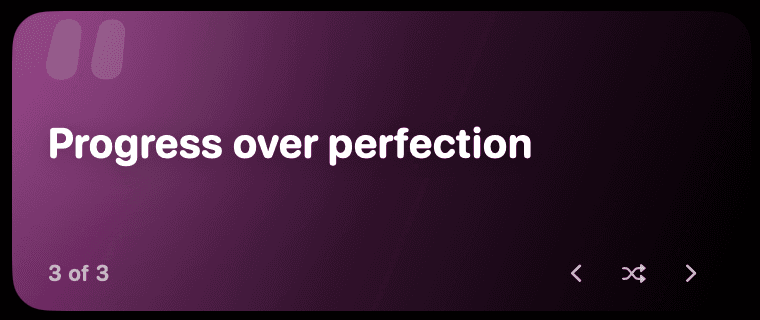
Daily affirmations and one line of gratitude.
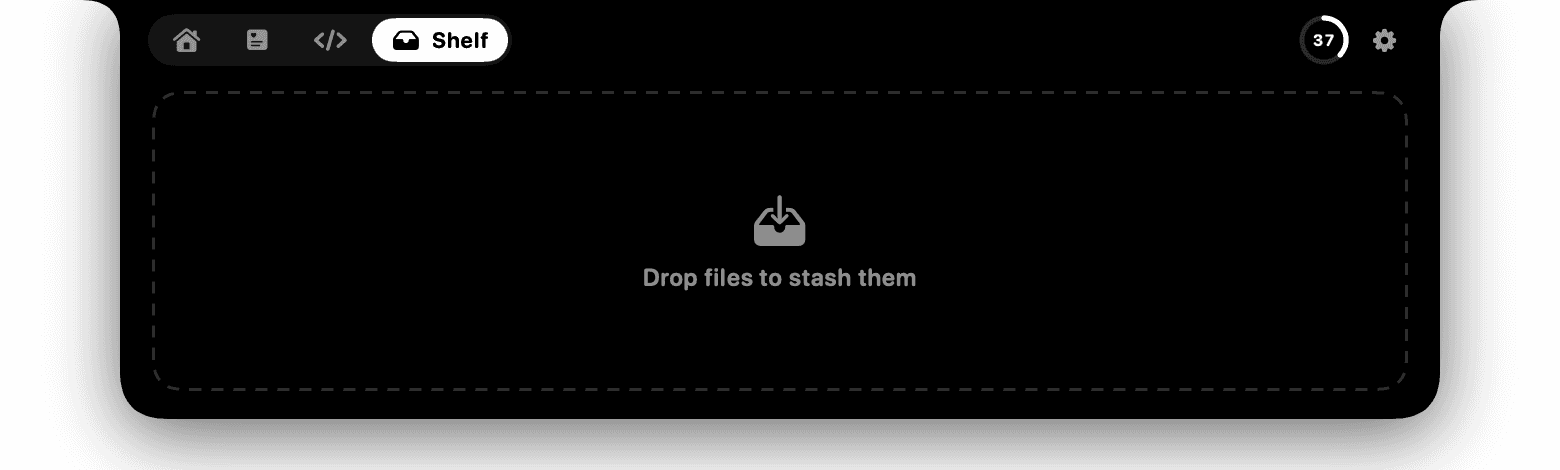
Drag them in, drag them out when you're ready.
Grab Notchella.dmg and open it.
Drop it into Applications, then launch it.
That's it. Tune everything from the menu bar icon.
Yes. No trial, no subscription, no account, no ads.
No. Everything runs on your Mac. The only things it fetches from the internet are synced lyrics from LRCLIB and album artwork for the song you're playing.
Yes. On Macs and displays without a notch, Notchella draws a slim virtual one at the top center of the screen.
Accessibility powers the volume and brightness keys and reading notification banners for keyword alerts. Calendar access shows your events. Automation lets it control Spotify and Apple Music. Each one is optional.
Quit it from the menu bar icon and drag Notchella from Applications to the Trash. If you installed agent hooks, remove them in Settings first.
Free for macOS. Download it and hover.